Quicktap Tennis Scorekeeper New In Version 1.5
The main enhancement for version 1.5 is the addition of single set matches.
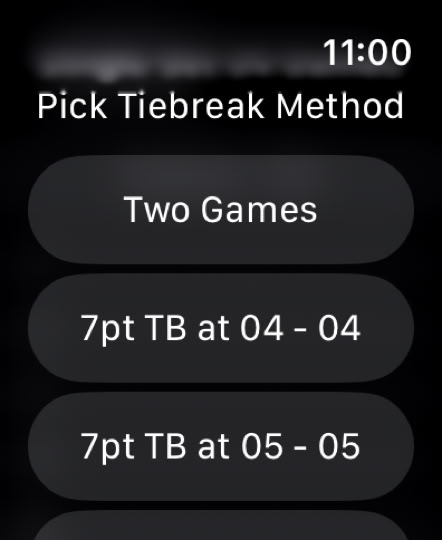
Some leagues play 10 game single set matches with a tie break at 9-9 or 10-10 for match play. The watch app now supports that as well as variable length matches up to 20 games and includes several tie break options. This works for both doubles and singles.
To set up a single set match start by selecting who is serving and following the prompts:
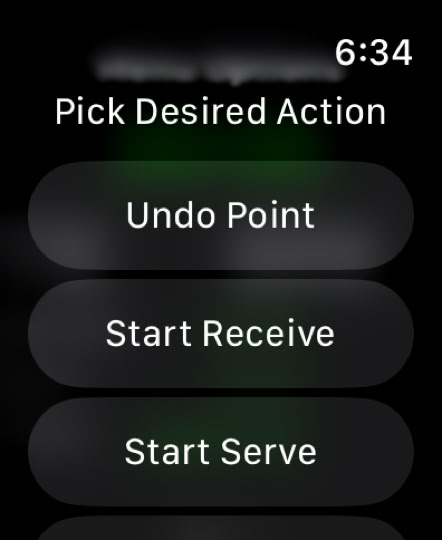
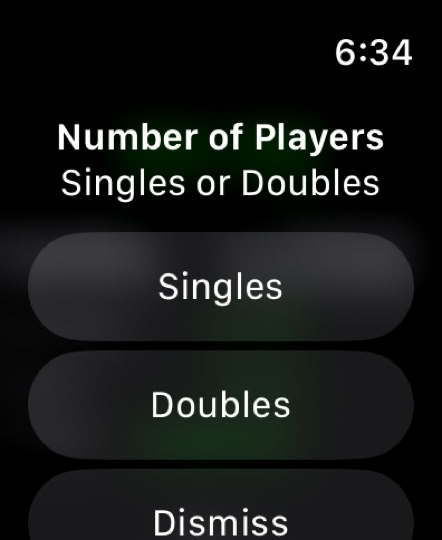
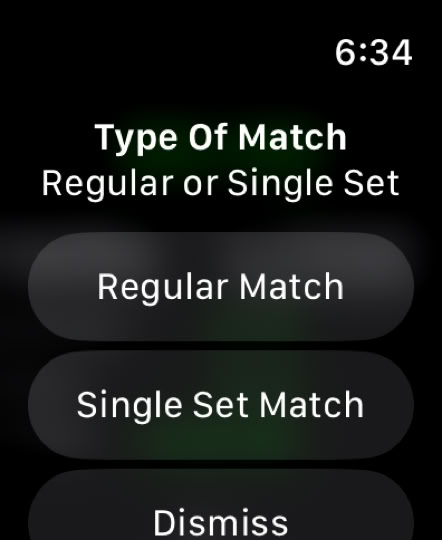
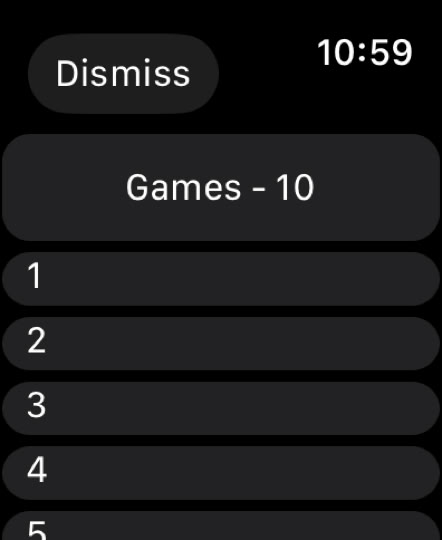
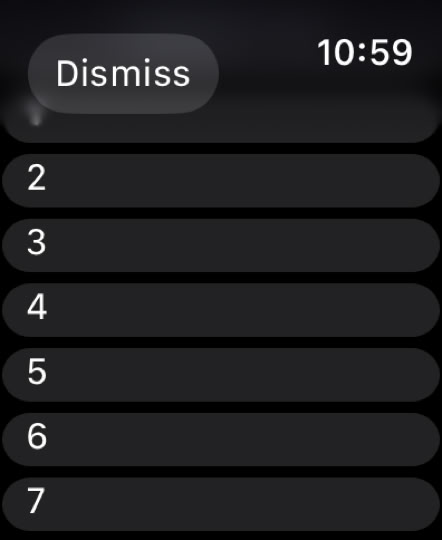
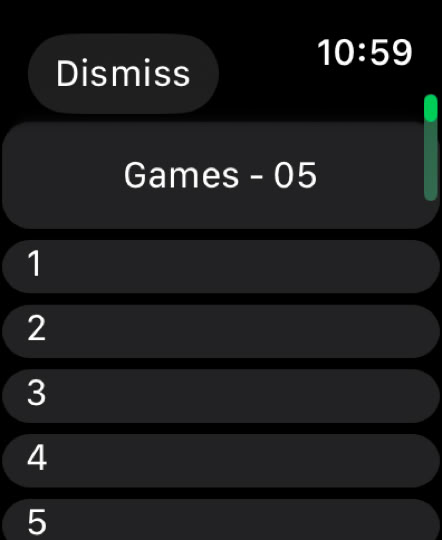
Once you pick ’Single Set Match’, the watch next asks you to pick a number of games in the match. The default is 10 but you can change that to up to 20 games.
In this example, if you rolled down to expose the ‘5’ line and tap on it, the screen resets and the number of games appears at the top. Press on that box and you are taken to the tiebreak selection screen. After making a choice, the first game screen will appear, showing the number of games chosen and allowing the match to start.
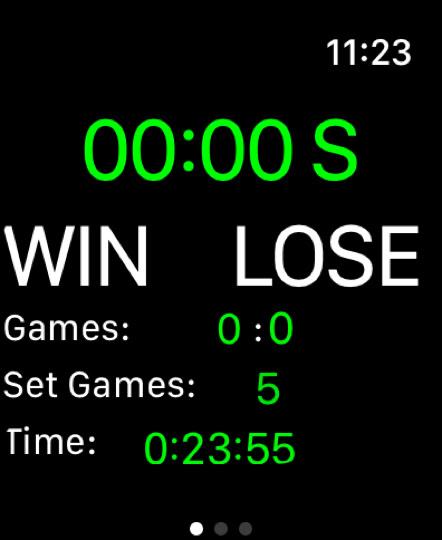
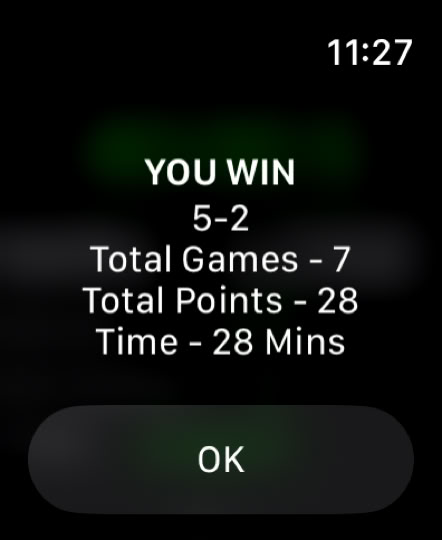
When the match finishes, the normal end of match summary will appear with the final score and other match stats.
The ability to adjust score and server on the phone work for single set matches as well.