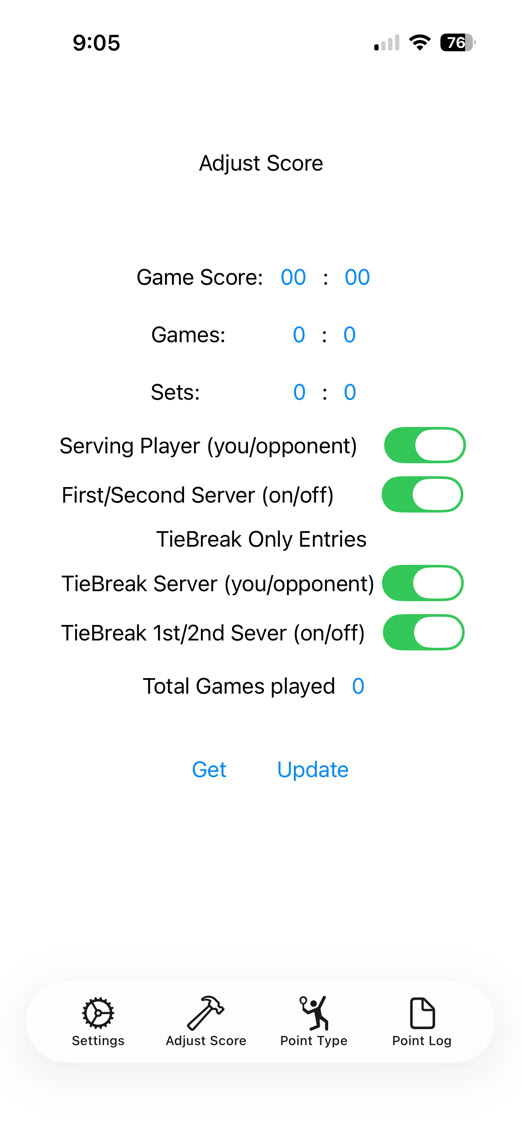
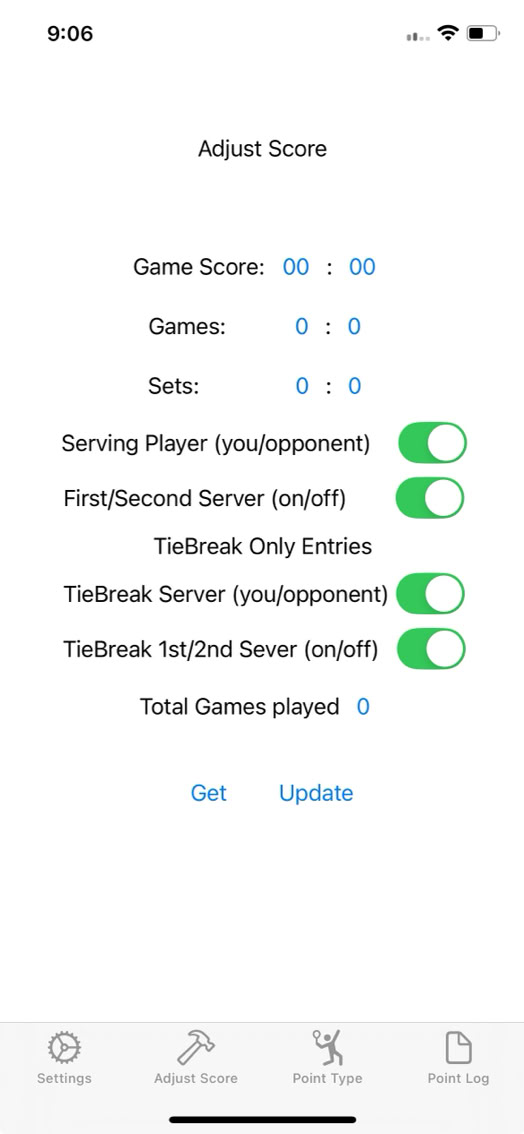
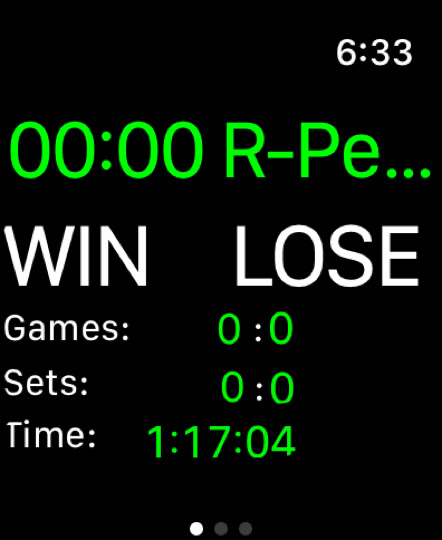
There were a couple of fixes for iOS26. The first was some minor screen changes to accommodate liquid glass. This is how the change looks:
The second fix was a problem with the workout screen. Sometimes, under the ‘right’ circumstances, it would appear to freeze. That bug appeared during the first iOS26 fixes and this update makes that go away.
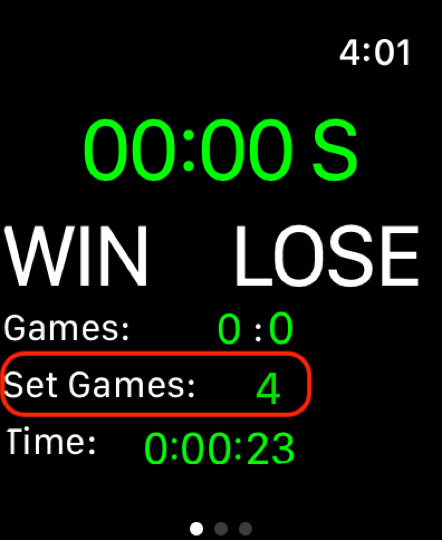
Better Display of Single Set Match Game Limits
First enhancement takes out of the uncertainty of how checking how a single set match was set up by replacing the set score with the number of games chosen. Very simple but it lets you validate that you picked the desired number of games for the set.
Quick player initials entry for doubles
Quick player initial entry for doubles allows you to change the server ID from S1/S2, R1/R2 to player initials fast and without getting into the flow of your match play.
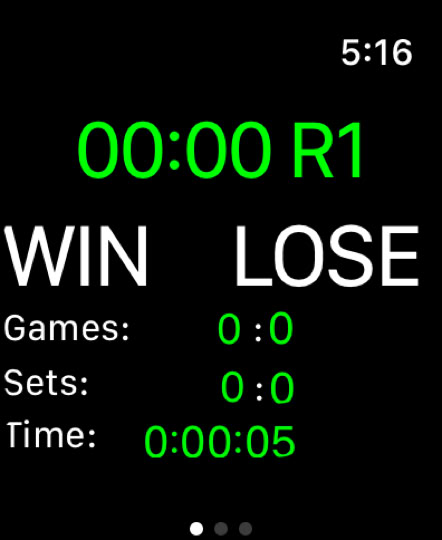
To do that, start your doubles match just as you would normally, entering who is serving as well as the match scoring system being used. The match starts as per usual showing the start screen. In this example, your side is receiving serve for the first game:
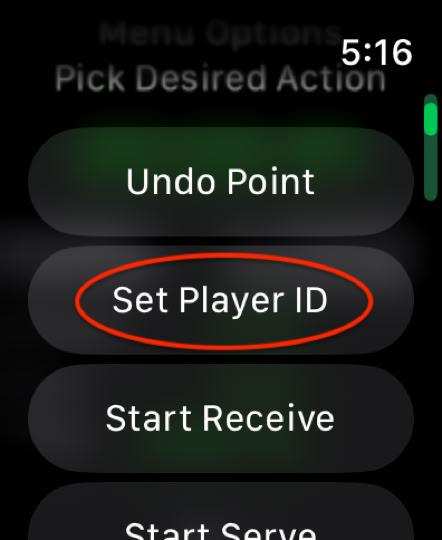
Double tapping the score will show a new entry that only shows up for doubles matches
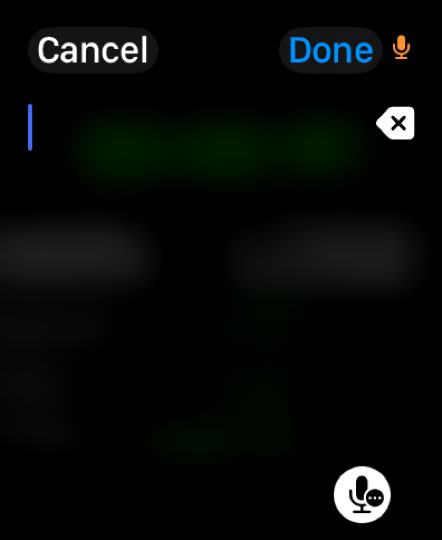
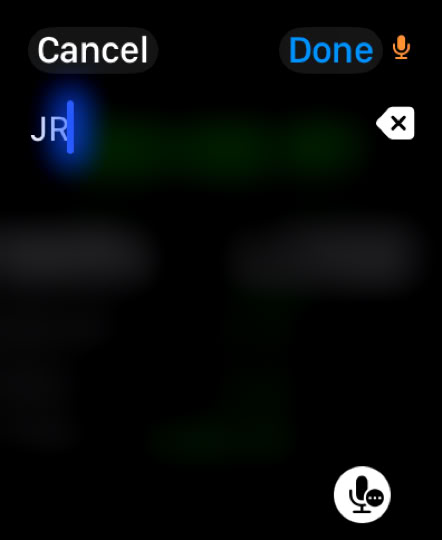
If you select that option, you will be taken to a text entry screen. It will automatically be in Siri dictation mode but you can change it to keyboard entry if you like.
While you can enter anything into here, probably the practical maximum is 2 characters. Quicktap doesn’t enforce that but it does lead to some incomplete displays. They are correct but the certainly don’t look good.
The best way to do that is to clearly enunciate the individual letter(s) into the watch and check them afterwards.
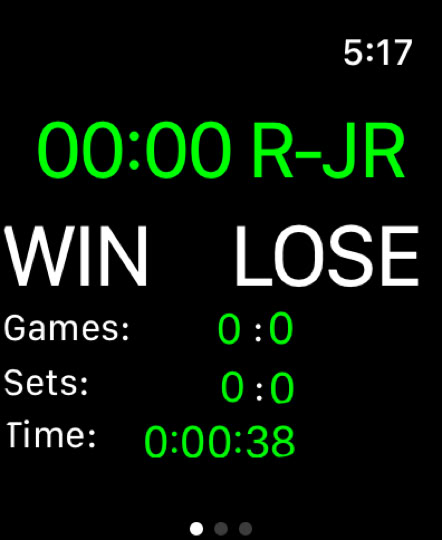
Once you accept the entry by pressing ‘Done’ in the upper right hand corner, the initials will appear on the watch in the server ID part of the display and will display during each game/point that the player is serving.
The initials will carry all through any sets of the match and through tiebreakers if any become necessary. This was added because while S1 and S2 are ok designations, it can be sometimes a bit of a struggle to remember which player was S1 and which one was S2. This change removes that problem completely.
As mentioned above, while the app doesn’t force limit the length of the entered designation for a player, if you use more than two letters, it can start to look off. Here is an example of someone entering ‘Penny’ as a player name and how that looks on the scoring screen:
Enhanced point tally to allow for more in depth post match analysis
This enhancement is more of an experiment than a fully fleshed out modification. It works as designed but the experimental part is how this can be used to record how a match went.
The previous version did have a facility which allowed you to record what kind of point you just played and put out a final tally. However, it did not break out those totals by player.
This version is an attempt to do that and improve the usefulness of feature.
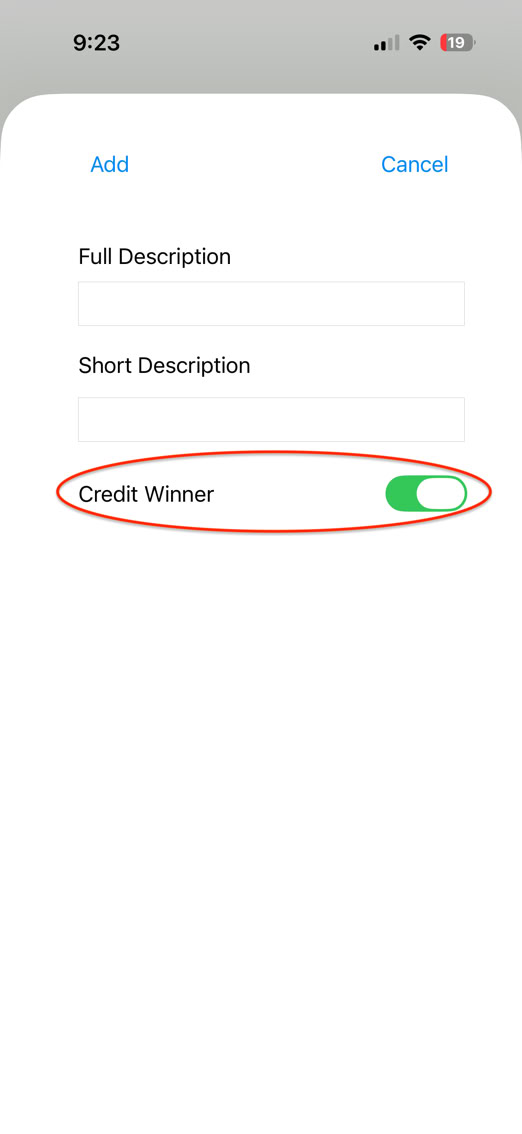
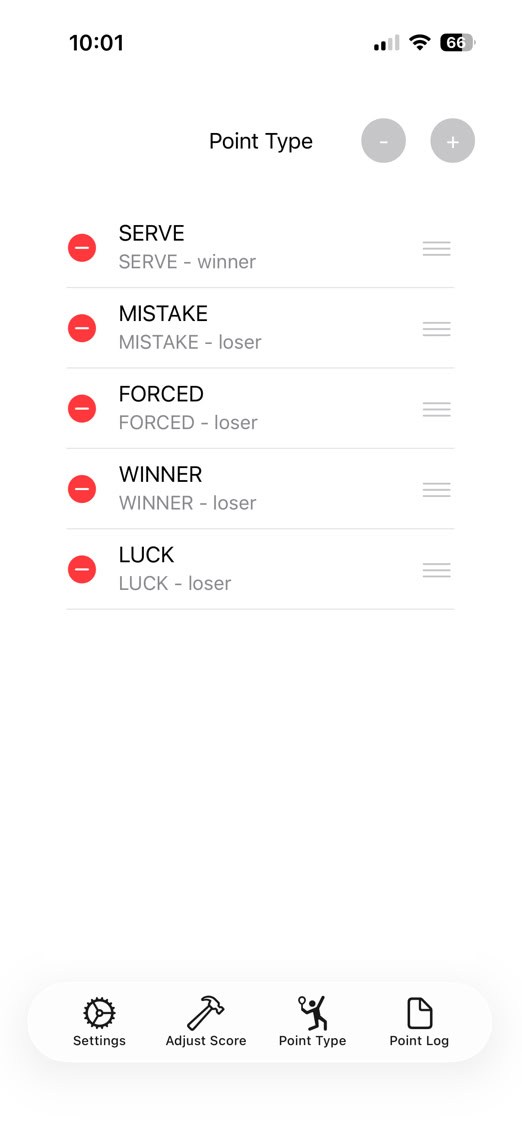
The first part of the change starts on the iPhone part of the app. A new field has been added into the entry. The ‘Credit Winner’ setting tells the app if the point is credited to the stats of winner of the point or the stats of the loser of the point.
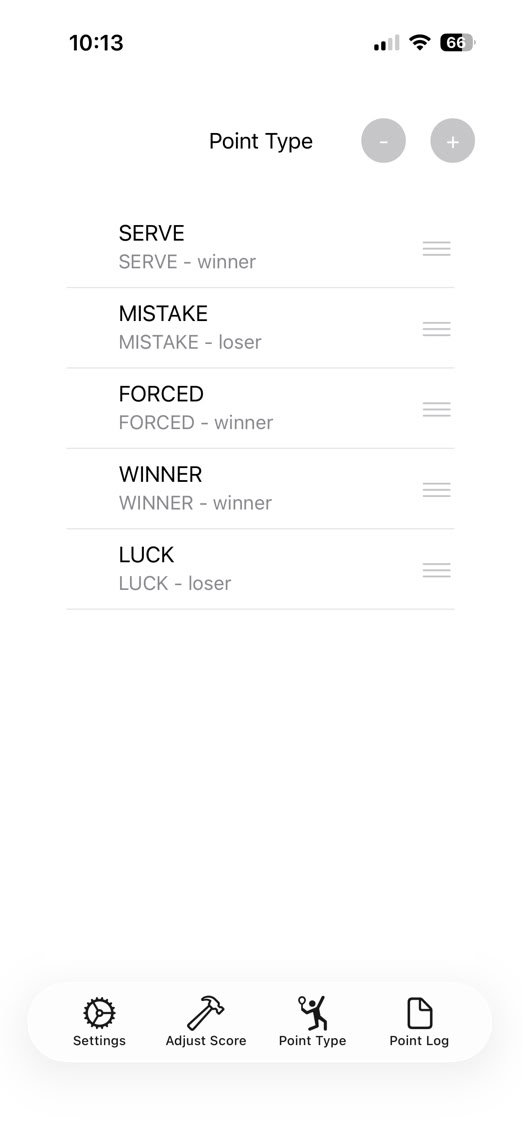
This is how this setting is used. As you can see below, SERVE, FORCED, WINNER, and LUCK will be credited to the stats of the winner of the point. So if you serve and win the point (ace or mishit back), it will be credited to your stats as a SERVE point. If you lose that point, it is credited to your opponent. If you are receiving and the point goes the other way and you assign it as a SERVE type point win, it credits your opponents totals.
Now these points and setups are what we at Quicktap have set up as a default. Here is what they mean:
SERVE - point won directory on serve or return
FORCED - forced error
WINNER - out and out winner
LUCK - mishit or net cord or something goes the way of the winner
MISTAKE - if a point is won or lost on a mistake, it is credited as part of the loser stats
However, this is not the end all and be all of setups. The app allows you to set up any point outcomes you like and pick one at the end of each point. This can also be used in coach mode so if a coach or other person has the phone which is paired with the watch, THAT person can qualify the point.
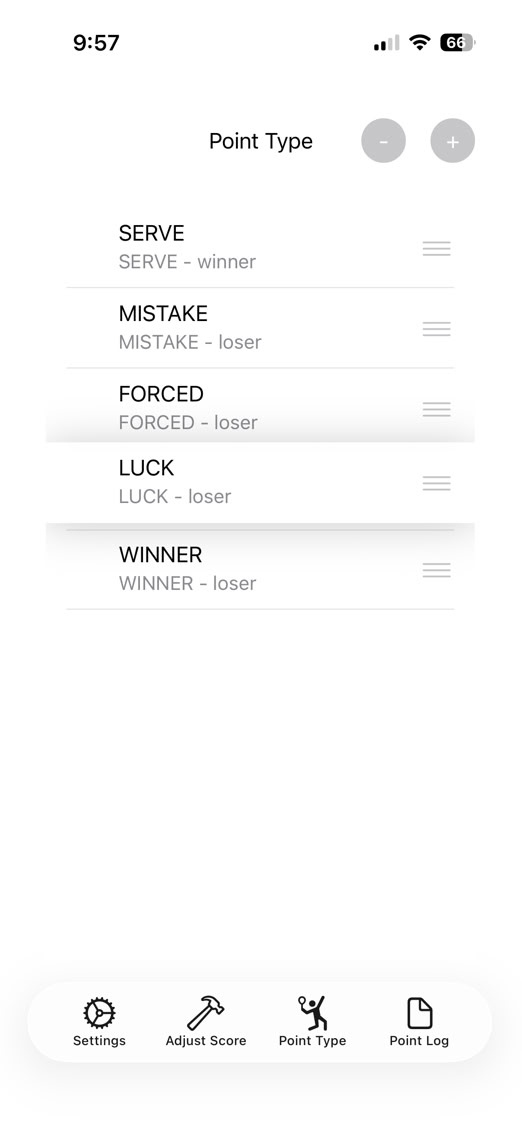
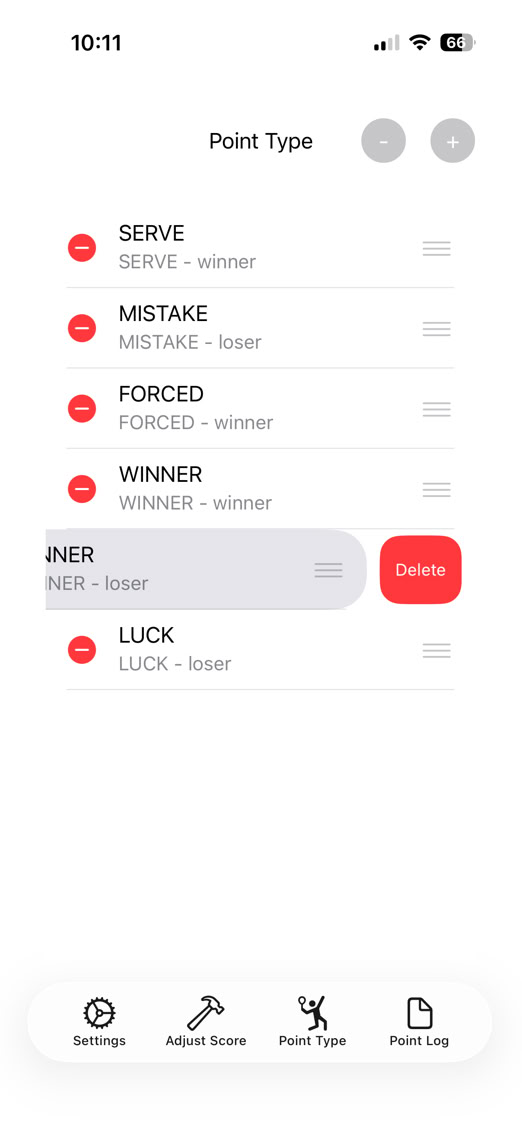
In addition some changes were made for some usability improvements. Pressing on the triple line icon on the side will let you move the point description up and down. The order that the descriptions are in the app is how they will appear on the watch when you need to choose a point type.
Pressing on the (minus) circle will reveal a set of deletion icons next to each item and allow that item to be deleted by pressing on the red circle minus icon. The plus icon will bring up the add screen. To change and entry you need to delete it and then re-add it.
You could make an arguement that the SERVE point should be split into a SERVE and SERVED (for defense) or something like that and if you want to do that, that’s more than ok.Just do it. The idea is to give you the ability to try different configurations until you fine one that helps you.
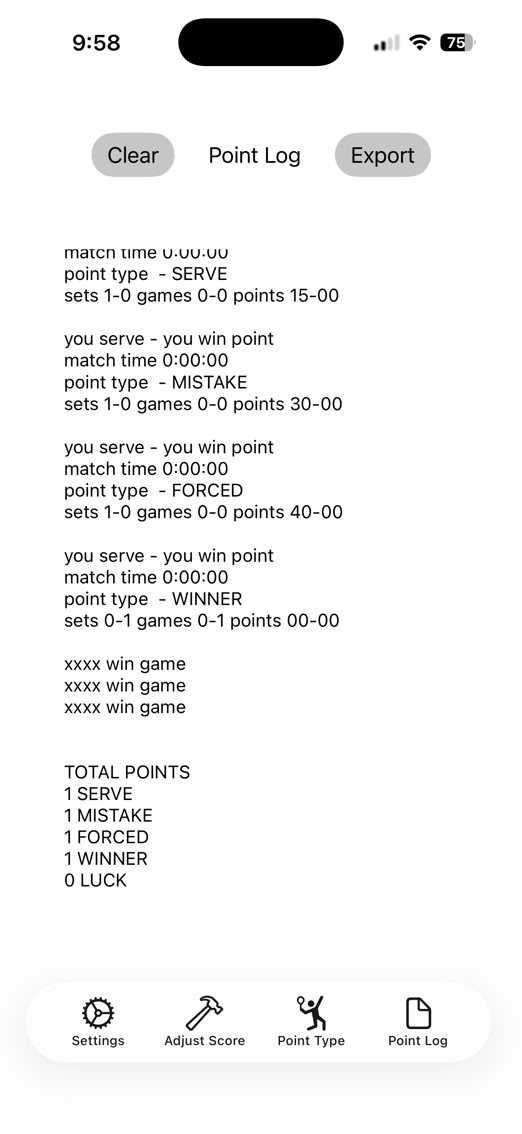
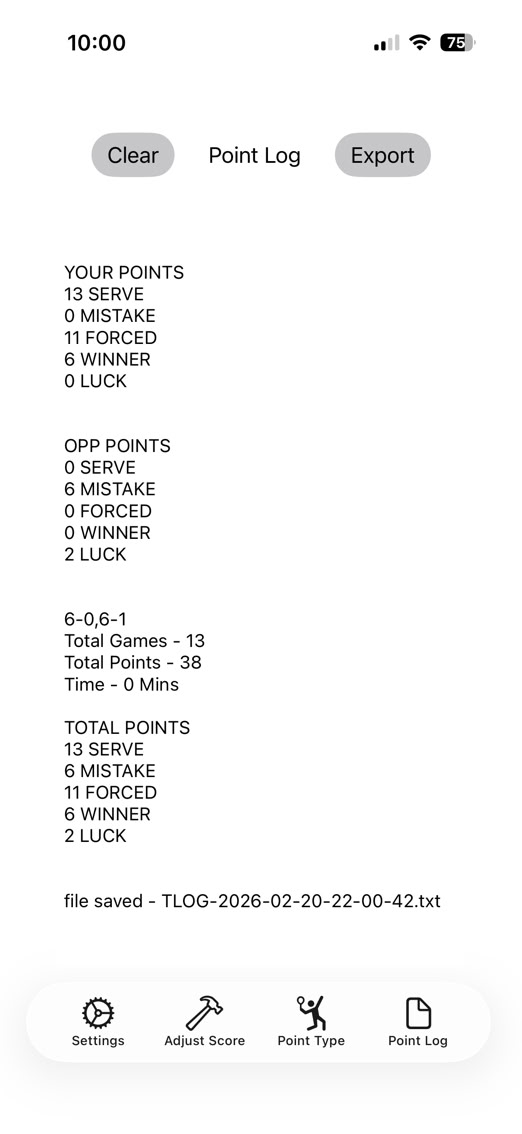
The watch part of this works just as it does now with no changes but the logging now shows totals. At the end of each game, an accounting of the points is displayed. At the end of the set and match, three sets of totals are displayed. One as a total, one credited to you, and a third credited to your opponent. Here are some examples:
This feature is a bit experimental. We’re not sure if this arrangement of point types is the best or the most useful so some of that is up to you. We have our suggestion. Perhaps you have something better? That would be great !!! Let us know at dsa.email@icloud.com.